Indexing
How to Submit Your Site to Google (and Actually Get It Indexed)
Submitting your site to Google takes about ten minutes: verify in Search Console, submit a sitemap, then request indexing for priority URLs. Here's each step, and why submitting is not the same as getting indexed.
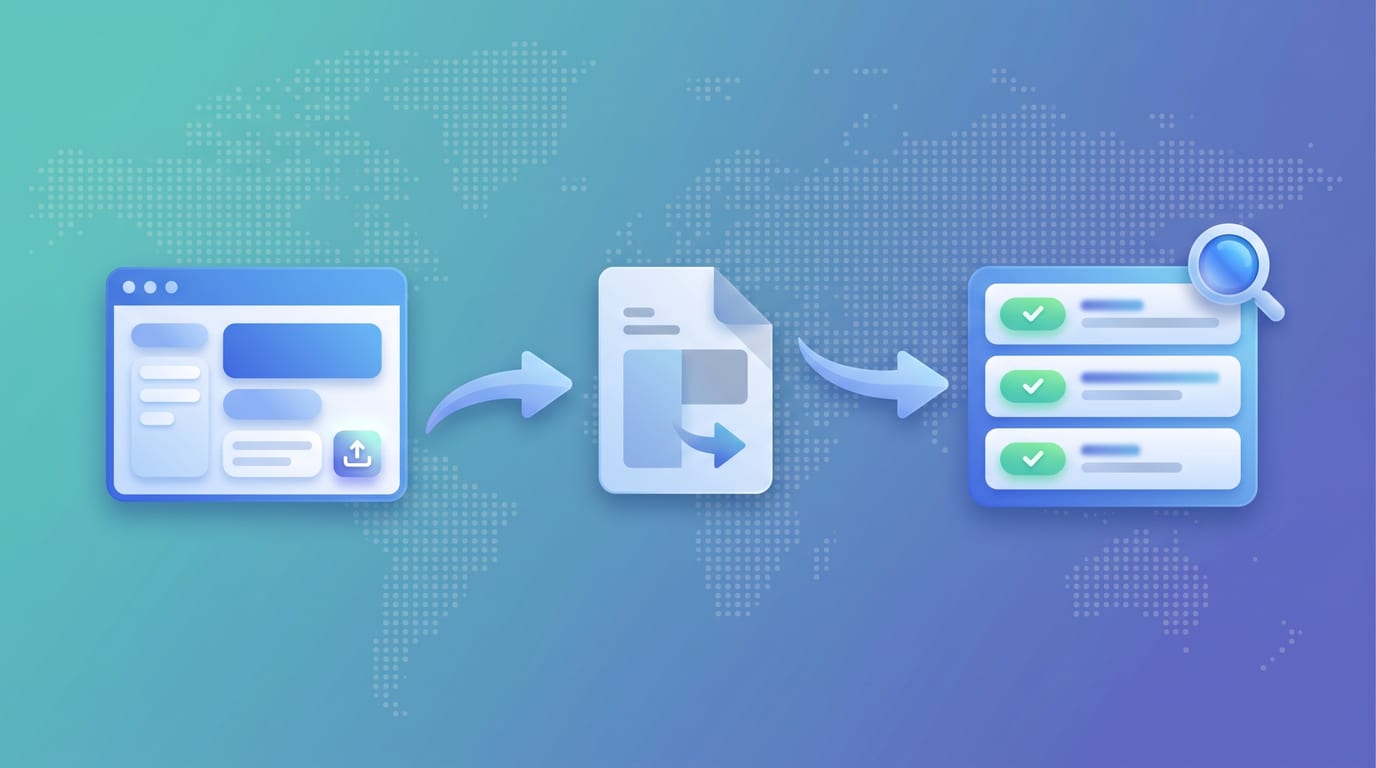
To submit your site to Google, do three things in this order: verify your site in Google Search Console, submit an XML sitemap, then use Request Indexing for your most important individual pages. All three are free, and the whole process takes about ten minutes.
The part that takes longer to understand is that submitting a URL and getting it indexed are different events, and only the first one is under your control. This guide covers the mechanics, then the honest limits of what submission buys you.
Do you even need to submit?
Often, no. Google finds most pages by following links from pages it has already crawled. If your site is linked from anywhere Google visits, it will get discovered without you doing anything.
Submitting is worth the effort in four specific cases:
- The site is brand new and nothing links to it yet.
- Pages are buried deep in the architecture, several clicks from the homepage.
- You just changed a page and want it recrawled sooner than the natural cadence.
- You want the Search Console data, which is the real reason to verify regardless.
That last one is the strongest argument. Verification is less about submission and more about getting access to the only report that tells you what Google actually thinks of your pages.
Step 1: Verify your site in Search Console
Go to Google Search Console and add your site as a property. You have two choices:
- Domain property (recommended). Covers every subdomain and both http and https under one roof. Verified with a DNS TXT record.
- URL prefix property. Covers one exact protocol and subdomain only. Verified by HTML file upload, a meta tag, Google Analytics, or Google Tag Manager.
Pick the domain property if you can edit DNS. It is the more complete picture and it saves you from maintaining several overlapping properties later.
Step 2: Submit an XML sitemap
This is the highest-leverage step, and the one people skip in favour of clicking Request Indexing repeatedly.
A sitemap is a file listing the URLs you want Google to know about. Most platforms generate one automatically, usually at /sitemap.xml or /sitemap_index.xml. In Search Console, open the Sitemaps report, enter the path, and submit. Google then re-reads it periodically, so new pages get picked up without any further action from you.
A few things worth getting right:
- One sitemap file holds up to 50,000 URLs or 50MB uncompressed. Past that, split it and chain the files with a sitemap index.
- Only include URLs you actually want indexed. Filtered, paginated, and parameter URLs in a sitemap send a confusing signal.
- Keep it current. A sitemap full of 404s and redirects erodes trust in the file.
- A sitemap aids discovery. Google's own documentation is clear that it "doesn't guarantee that all the items in your sitemap will be crawled and indexed."
Step 3: Request indexing for priority URLs
For individual pages that matter right now, paste the full URL into the search bar at the top of Search Console. That opens the URL Inspection tool, which shows Google's current index state for that URL. Click Request Indexing to queue it for crawling.
Two constraints to know before you build a habit around this:
There is a daily limit, and Google does not publish the number. The documentation says only that "there is a daily limit to how many index requests you can submit." The 10-to-15-per-day figure repeated across the SEO industry is community observation, not policy. We unpack this properly in Google request indexing limits.
Submitting twice does nothing. Google's documentation notes that requesting indexing more than once for the same URL does not change the outcome. Once is enough. Anything more is wasted quota.
What about submitting to other search engines?
Google is not the only index, and the process differs meaningfully:
- Bing: verify in Bing Webmaster Tools and submit a sitemap. You can import your Search Console property directly, which takes about a minute.
- Bing, Yandex, Naver, Seznam, and Yep: all participate in IndexNow, an open protocol that lets you ping engines the instant a URL changes instead of waiting to be crawled.
- Google: does not participate in IndexNow. Google said in 2021 it was testing the protocol and has never announced adoption. For Google, sitemaps and crawlability remain the path.
Submitting is not indexing
This is the part that catches people out, so it is worth stating plainly: every method above is a hint, not an instruction. You are telling Google a URL exists. Google still decides independently whether the page is worth adding to the index.
A submitted URL can sit at "Discovered, currently not indexed" for weeks because crawl demand is low, or land at "Crawled, currently not indexed" because Google fetched it and judged the content thin or duplicate. Neither is fixed by submitting again. If your pages are stuck in either state, work through why Google is not indexing your site, or the specific playbooks for Discovered, currently not indexed and Crawled, currently not indexed.
Before you blame quality, rule out the two blockers that silently cancel any submission: a noindex tag and a robots.txt rule. Check both with the free noindex checker and robots.txt checker.
After you submit: close the loop
Submission is a one-time action with a delayed, silent outcome. Nothing emails you when the page lands, and nothing emails you if it drops back out six months later.
That is the loop most workflows leave open. You submit a batch of URLs, check Search Console a few times, get busy, and never confirm which ones actually made it. Search Console's Page Indexing report lags by several days and samples rather than reporting on demand, so it is a poor tool for "did this specific page land?"
Check any single URL for free with the Google index checker, or test a whole list at once with the bulk index checker. For an ongoing set of pages, SearchOptimo re-checks index status on a schedule and alerts you the day a status changes, which is how you catch a page leaving the index instead of discovering it in a traffic report. See how to monitor index status at scale for the full workflow.
Key takeaways
- Three steps: verify in Search Console, submit an XML sitemap, request indexing for priority URLs. All free.
- You may not need to submit at all. Google finds well-linked sites on its own. Verify anyway, for the data.
- The sitemap does the heavy lifting. Up to 50,000 URLs per file, re-read automatically, and it should contain only URLs you want indexed.
- Request Indexing is for a handful of urgent pages, has an unpublished daily cap, and does nothing when repeated on the same URL.
- Google does not support IndexNow. Bing, Yandex, Naver, Seznam, and Yep do.
- Submitting is a hint, not a command. Indexing is Google's decision, and quality and crawl demand decide it.
- Confirm afterwards. Nothing tells you when a page lands, or when it silently leaves.
Ready to stop wondering whether your pages are still indexed? Start a free trial, or see our honest breakdown of when automated index monitoring is actually worth paying for.
Frequently asked questions
- How do I submit my website to Google?
- Verify ownership of your site in Google Search Console, then submit an XML sitemap under the Sitemaps report. For individual priority pages, paste the URL into the search bar at the top of Search Console to open the URL Inspection tool, then click Request Indexing. Verification plus a sitemap is the core of it, and both are free.
- Do I need to submit my website to Google at all?
- Not strictly. Google discovers most sites by following links from pages it already crawls, so a well-linked site will usually get found on its own. Submitting matters most for brand new sites with no inbound links, for pages buried deep in your architecture, and for content you have just changed and want recrawled sooner.
- Is it free to submit a site to Google?
- Yes. Google Search Console, sitemap submission, and Request Indexing are all completely free. There is no paid submission channel, and no way to pay Google to index or rank a page. Any service charging you a fee to 'submit your site to Google' is selling you something you can do yourself in ten minutes.
- How long does it take Google to index a page after I submit it?
- Google's documentation says indexing typically takes a day or so but can take much longer. In practice a new page on an established, well-linked site often indexes within a day or two, while a brand new domain with few backlinks can take several weeks. Some pages never index at all if the content is thin or duplicate.
- Can you force Google to index a page?
- No. Every submission method is a hint, not a command. Google's documentation is explicit that requesting indexing does not guarantee inclusion, and that submitting the same URL repeatedly changes nothing. If a technically sound page still will not index, the blocker is discovery, crawl priority, or content quality, not the submission.
- What is the difference between submitting a sitemap and requesting indexing?
- A sitemap is a bulk list of every URL you want Google to know about, submitted once and then re-read automatically as it updates. Request Indexing is a one-at-a-time nudge for a specific URL, capped by an unpublished daily limit. Use a sitemap for coverage and Request Indexing for a handful of urgent pages.
Monitor your index status automatically
SearchOptimo re-checks your URLs on a schedule and alerts you when something drops. Start free, no credit card.
Start freeKeep reading

Indexing
Google Request Indexing Limits: How Many URLs Per Day, Really
Google does not publish a daily Request Indexing number, despite the 10-15 figure everyone repeats. Here are the limits Google actually documents, and what happens when you try to exceed them.
Indexing
How to Fix "Discovered – Currently Not Indexed" (2026)
Discovered – currently not indexed means Google found your URL but hasn't crawled it. The quick fixes, a decision tree for when to wait or prune, and how it differs from crawled - not indexed.

Indexing
Crawled but Not Indexed? It Is Not Your Technical Setup. It Is Authority.
If Google crawled your page but will not index it, your technical SEO is probably fine. The status itself proves it. Here is what actually decides indexing, and how to tell.