Google Search Console
Stop Opening Search Console Five Times a Day. Checking Is Not Monitoring.
If you refresh Google Search Console to see whether your pages are still indexed, you are doing a machine's job by hand. Here is why manual checking fails, and what to do instead.
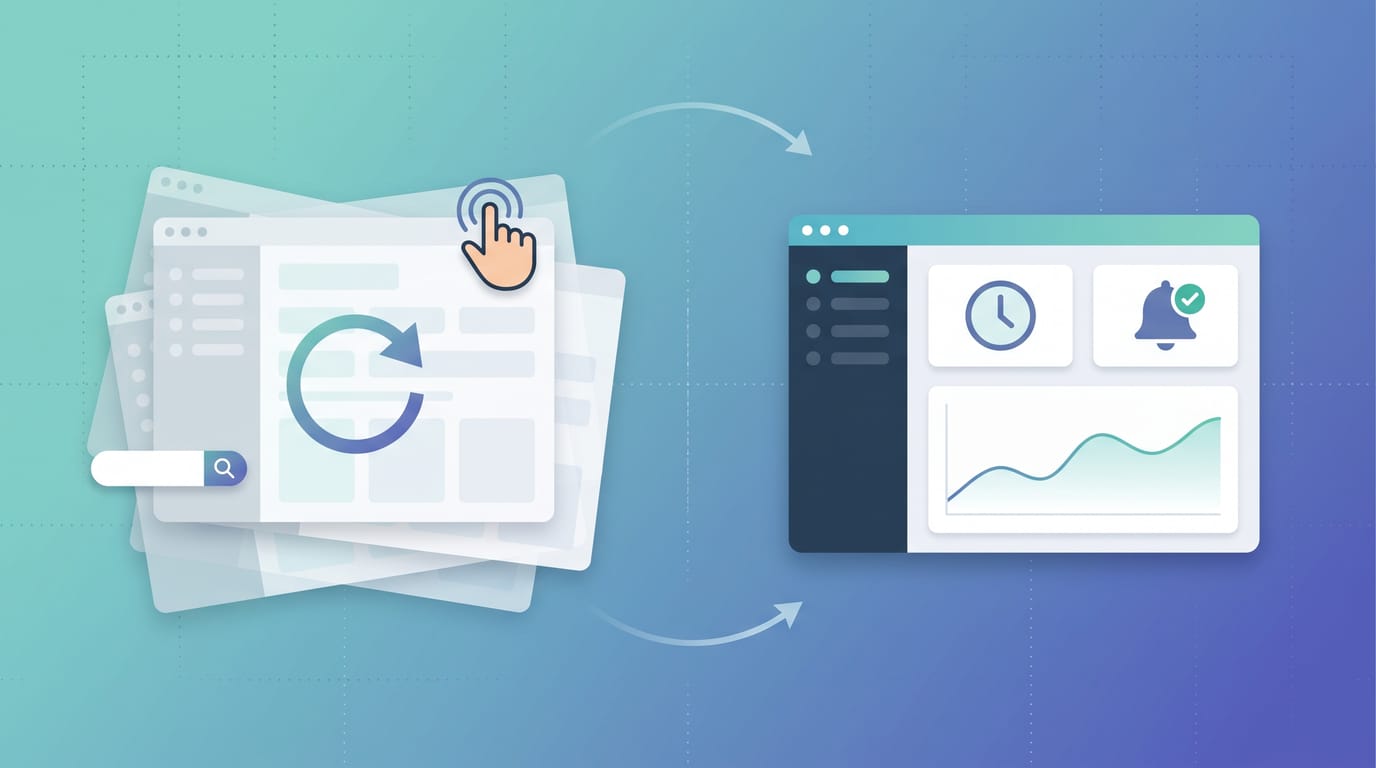
There is a thread that shows up in every SEO community, in one form or another: someone admits they open Google Search Console five, ten, fifteen times a day, refreshing the index coverage numbers, and quietly asks whether they are losing their mind.
You are not losing your mind. You are doing a machine's job by hand, and it does not work, no matter how many times you refresh.
What you are actually trying to find out
Strip away the habit and the real question is simple: are my important pages still indexed, and did anything change since I last looked?
That is a monitoring question. But Search Console is built for diagnosis, not monitoring, so people try to answer a continuous question with a manual tool, over and over, and it fails in three predictable ways.
Why manual checking fails
- URL inspection is one URL at a time. It is a fantastic diagnostic tool for a single page. It is useless for knowing the state of 200, or 2,000, pages. You cannot inspect your way across a real site.
- The Page Indexing report aggregates and lags. It buckets URLs and updates on a delay. A page can quietly drop out of the index and not surface in the report for days, long after the damage starts.
- You only look when you remember. This is the real killer. Deindexing does not wait for you to check. So the usual way people discover it is not in Search Console at all. It is a traffic drop in analytics, days or weeks later, when the pages are already gone. (We wrote about that exact failure mode in silent deindexing.)
Refreshing GSC more often does not fix any of these. It just converts anxiety into a nervous habit.
Checking is not monitoring
The reframe worth internalizing:
- Checking is a manual, point-in-time look that you have to initiate. It answers "is this page indexed right now."
- Monitoring is automated and continuous. A defined set of URLs is re-checked on a schedule, the history is stored, and you are alerted only when something changes. It answers "did anything change while I was not looking."
That second question is the one that actually protects your traffic, and it is the one manual checking can never answer well, because the whole point is to catch a change you were not present for.
What to do instead
You do not need to watch Search Console. You need a system that watches for you:
- Define the URL set that matters. Your money pages, your key programmatic clusters, the pages you would notice if they vanished. Not every URL, the ones with consequences.
- Re-check them on a schedule. Daily is plenty for most sites; more often for high-stakes launches. The cadence is a setting, not a chore.
- Store the history. Index status is a moving target. A page indexed today can drop next week after a content change or a Google update. History turns "I think it changed" into "it changed on the 14th."
- Alert on change, not on a timer. The only time you should hear about your index status is when it actually moves. Everything else is noise you should never have to look at.
If you are still checking whether individual pages are indexed by hand, that is fine for a one-off. As a way of life, it does not scale and it does not protect you.
Let something else refresh the dashboard
This is the entire reason SearchOptimo exists. It re-checks the index status of your URLs on a schedule, keeps the history, and tells you the moment a page gets indexed or drops out, so you can close the Search Console tab and get the alert when it actually matters. If your pages are landing in "crawled, not indexed," it also helps you see whether that is the authority issue it usually is.
Stop refreshing and start monitoring. Start free, point it at the URLs you keep checking, and let the dashboard watch itself. If you want to weigh it up first, see whether SearchOptimo is worth it for your case.
Frequently asked questions
- How often should I check Google Search Console?
- For diagnosis, as often as you have a question. For knowing whether your pages are still indexed, you should not be checking manually at all. That is a monitoring job: it should run on a schedule and alert you only when something changes, so you are not refreshing a dashboard hoping to catch a problem live.
- Why is manually checking index status in Search Console unreliable?
- Three reasons. URL inspection checks one URL at a time, so it does not scale past a handful of pages. The Page Indexing report aggregates and lags, so a page can drop and not show for days. And manual checking only happens when you remember, so you usually find out about a deindexing after traffic has already fallen, not when it happens.
- What is the difference between checking and monitoring index status?
- Checking is a manual, point-in-time look you initiate. Monitoring is automated and continuous: a defined set of URLs is re-checked on a schedule, the history is stored, and you are alerted when status changes. Checking answers 'is this page indexed right now'. Monitoring answers 'did anything change while I was not looking', which is the question that actually protects your traffic.
- Can I get alerted when a page gets deindexed?
- Yes, but not from Search Console alone, which has no real-time deindexing alert. You need a monitor that re-checks your URLs on a schedule and notifies you when one drops out of the index. That is exactly what a tool like SearchOptimo does, so you hear about a drop the day it happens instead of discovering it in next month's traffic report.
Monitor your index status automatically
SearchOptimo re-checks your URLs on a schedule and alerts you when something drops. Start free, no credit card.
Start freeKeep reading
Indexing
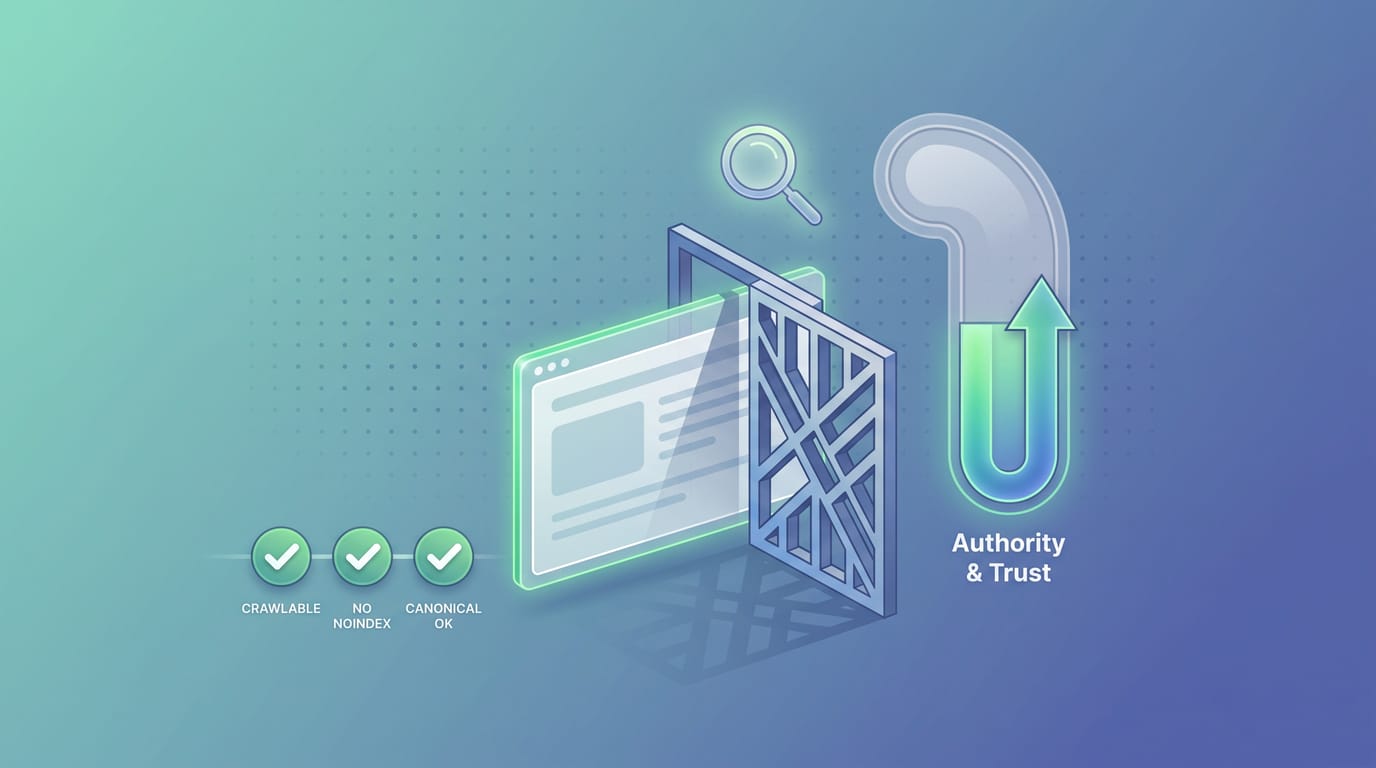
Crawled but Not Indexed? It Is Not Your Technical Setup. It Is Authority.
If Google crawled your page but will not index it, your technical SEO is probably fine. The status itself proves it. Here is what actually decides indexing, and how to tell.
Indexing
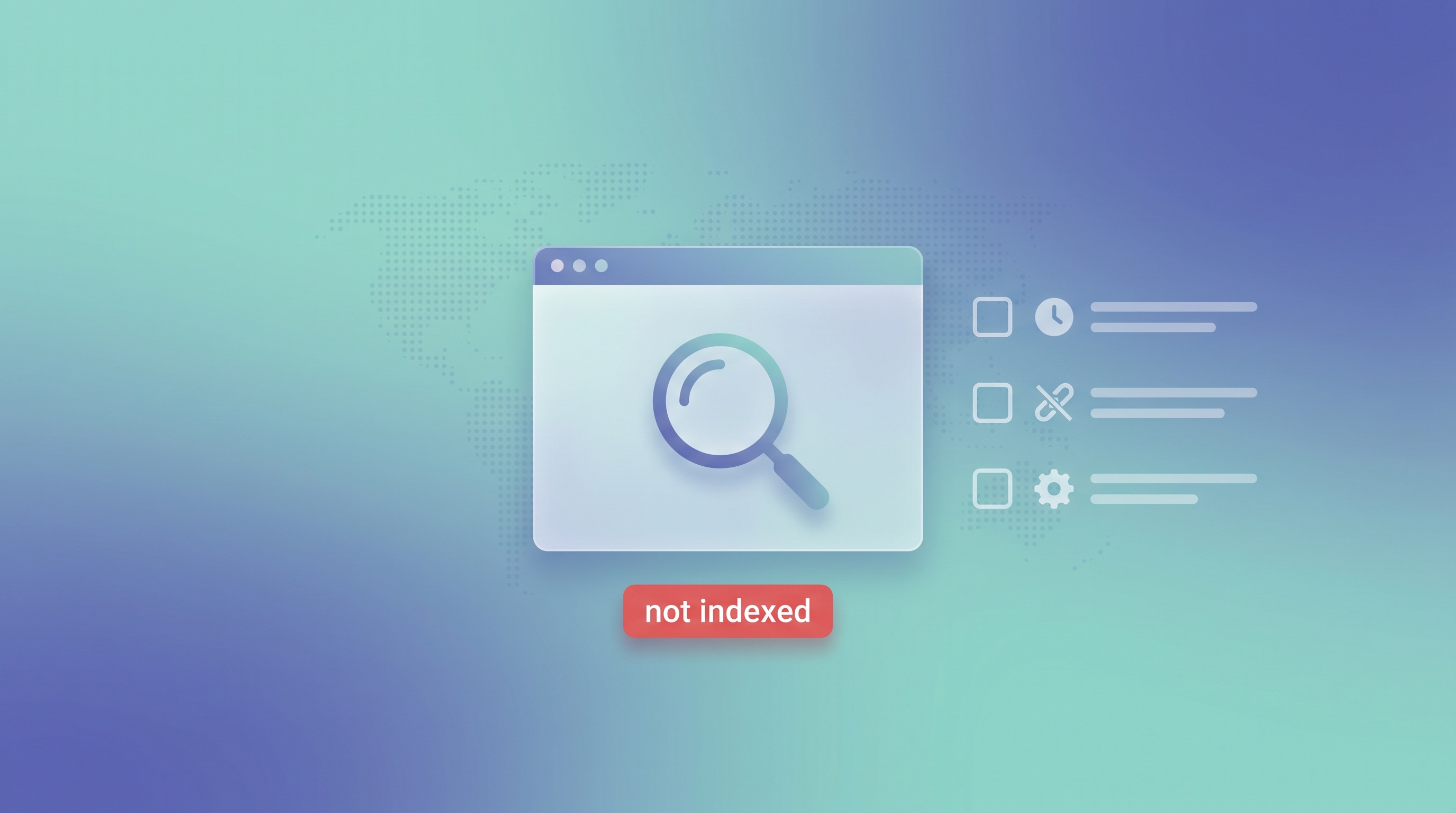
Google Is Not Indexing My Site: 7 Reasons and Fixes
Google is not indexing my site? Here are the 7 real reasons in priority order, a step-by-step diagnostic checklist to find yours, the fix for each, and how to catch the next drop.

Indexing
Silent Deindexing: How to Catch Pages Dropping Out of Google Before Traffic Falls
Pages can fall out of Google's index with zero warning. Learn the 5-minute test that catches a silent deindex before your traffic ever drops.